Square it up.
A simple desktop app for macOS to fix perspective, straighten and crop your photos. Everything stays on your Mac.
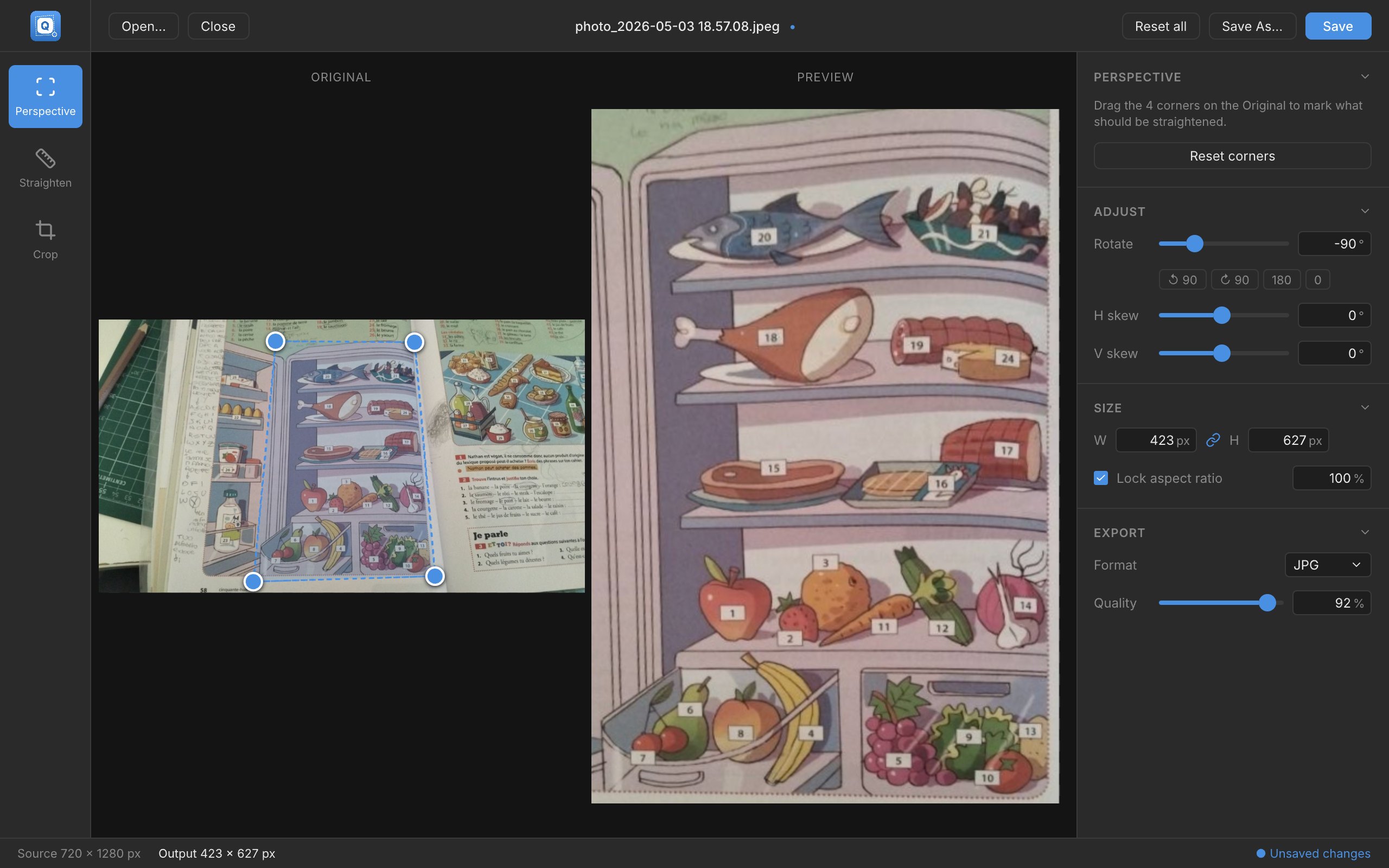
Real-world photos are never square.
My daughter kept asking me to print her school homework, and she kept sending me photos of it, always crooked. All I wanted was to straighten them. Opening Photoshop for that is overkill.
So I built Quadra to do that one job. Drag four handles around what should be a rectangle, draw a line along what should be level, and watch the result update live.
No layers, no accounts, no cloud. Open a photo, square it up, save it.
One goal: a square image.
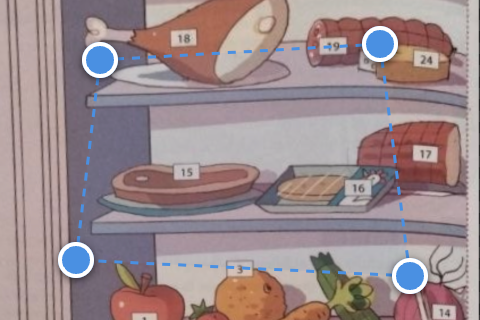
Perspective
Drag four corners around any tilted rectangle, like a book page, a sign or a wall. Quadra flattens it, and the preview updates as you move.
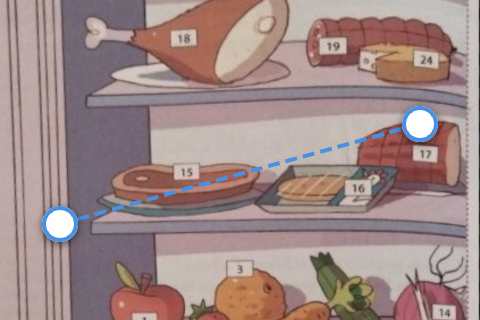
Straighten
Draw a line along something that should be level or plumb, like the horizon. Quadra works out the rotation and applies it.
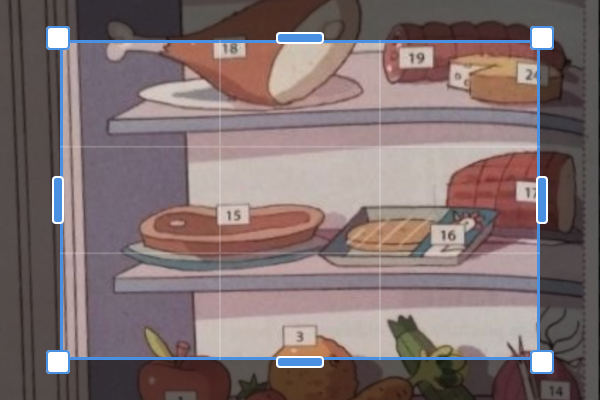
Crop
Crop with eight handles or drag the whole frame. A thirds grid helps you compose before you confirm.
Small controls, done carefully.
Fine rotation
Slider and numeric input from -180° to +180°, with decimal precision.
Skew
Adjust horizontal and vertical skew to fine-tune perpendicularity.
Resize
Set width and height in pixels or as a percentage, with the aspect ratio locked if you like.
PNG, JPG, WebP
Save in the format you need, with adjustable quality for JPG and WebP.
Magnifier loupe
A 3× loupe follows any handle you drag, so you can place corners pixel-perfect.
Open with Quadra
Right-click an image in Finder, drag and drop it, or paste from the clipboard.
Everything happens on your Mac.
No uploads, no servers, no account. Your photos never leave your machine.

Get Quadra.
Free and open source. macOS, Apple Silicon and Intel.
Not sure which one? Apple menu → About This Mac. “Chip” says Apple M-something for Apple Silicon.
Open the .dmg and drag Quadra into your Applications folder.
First launch: right-click Quadra, choose Open, then Open again.
That’s it. macOS asks only once, because the app isn’t signed yet.